Time Tracking with Screenshots Logo
  • How it works
  • Prices & FAQ
  • Blog
  • Sign Up
  • Log In
  • Contact Us
  • Try SCREENish for free
  1. SCREENish
  2. Blog
  3. Employee Monitoring

Employee Monitoring

Employee Monitoring

What Most Employers Aren’t Considering Why to use SCREENish for employee monitoring:
  • Measuring the overall productivity of Employee A vs. Employee B when deciding who to hire
  • Saving thousands in training and management headaches
  • Automating communication. Since you can see what’s going on, you don’t have the stress or the inefficiencies of email.
  • Automating timesheets instead of having people submit Excel spreadsheets
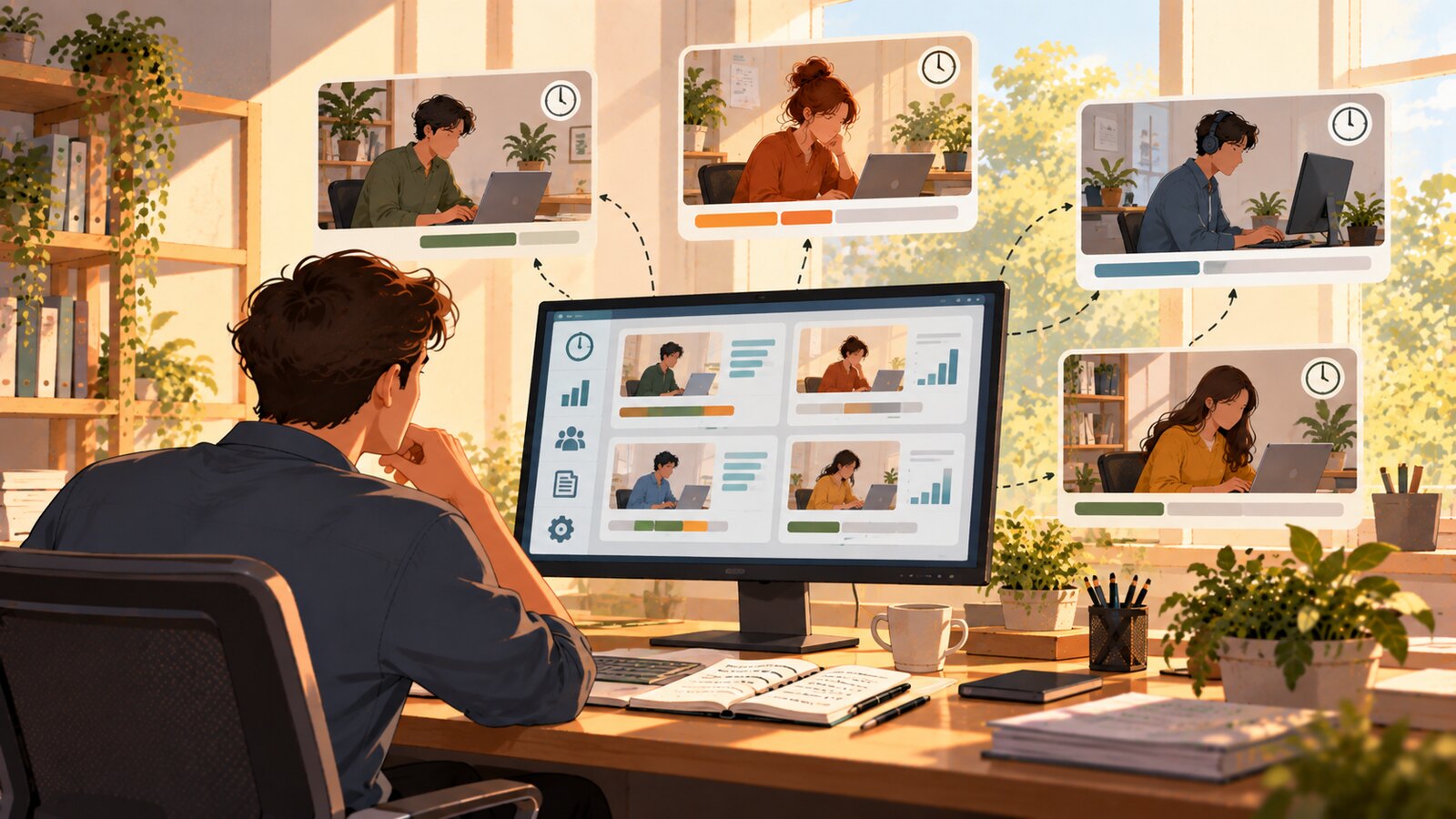
The people who use our service are small business owners and entrepreneurs from around the world that have, in our opinion, decided to manage their entire business in a more efficient way. How to manage projects with Screenish: Login and see the progress in real time. Then request the changes. Then pay for exactly the number of hours spent with the proof of work behind it.

SCREENish automates workflows and communication

We believe this is the new way of doing business, and we are excited to be leading the way. The world of remote work gets especially complex when considering time zones and language barriers. lthough everything sounds good for business owners, we do know that we need to tread this line carefully to not make the software unproductive for the employees. For the employees this can sometimes be a change. Usually when the employee understands that they don’t need to submit timesheets, and they truly are helping the business owner or manager get better data and make better business decisions, they are open to the idea. In addition, we find that the great workers actually love this software. They are able to prove that they are working on specific things and they are able to show they work fast, they are efficient. They weren’t able to do this before. Try standing out in a company of 200 medical billing professionals that work in a remote environment. We make this easy. For the great employees, we provide job security. Employers would never drop a really efficient, great employee unless of course, they have to for other reasons.

Ready to see your team's real hours?

SCREENish is free to try — no credit card required.

Start free

← All posts

  • How it works
  • Prices & FAQ
  • Blog
  • Sign Up
  • Log In
  • Contact Us
  • Try SCREENish for free
  • Cookie Settings

Solutions

  • Mouse Jiggler Detection Software
  • Overemployment Detection for Remote Teams
  • Remote Employee Identity Verification
  • Face Recognition Time Tracking
  • Compare Alternatives
  • Feature Guides
  • Blog Articles
  • Pricing & Plans

From the Blog

  • Can Employers Detect Mouse Jigglers?
  • How to Tell If Activity Is Real: What the OS Flags as Fake Input
  • 12 Signs a Remote Employee Is Working Two Jobs
  • Proxy Workers: How to Tell If Someone Else Is Doing the Job
  • GDPR-Compliant Employee Monitoring: A Practical Checklist
  • Best Time Tracking Software with Screenshots (2026)
  • If an Employee Deletes a Screenshot, What Can the Employer Still See?
  • Idle Time Settings: How Many Minutes to Deduct
  • A Fair Mouse-Jiggler Policy for Remote Teams
  • Overemployment in 2026: The Numbers
© SCREENish 2026 All right reserved. By SCREENish.com | Terms of Service | Privacy Policy | Cookie Policy