Downloading the SCREENish App
Go to DOWNLOAD TEAM APP to get the time tracking software. SCREENish is available for:
Windows — the current application for Windows 10 and 11, and a legacy build for Windows 7 and 8:
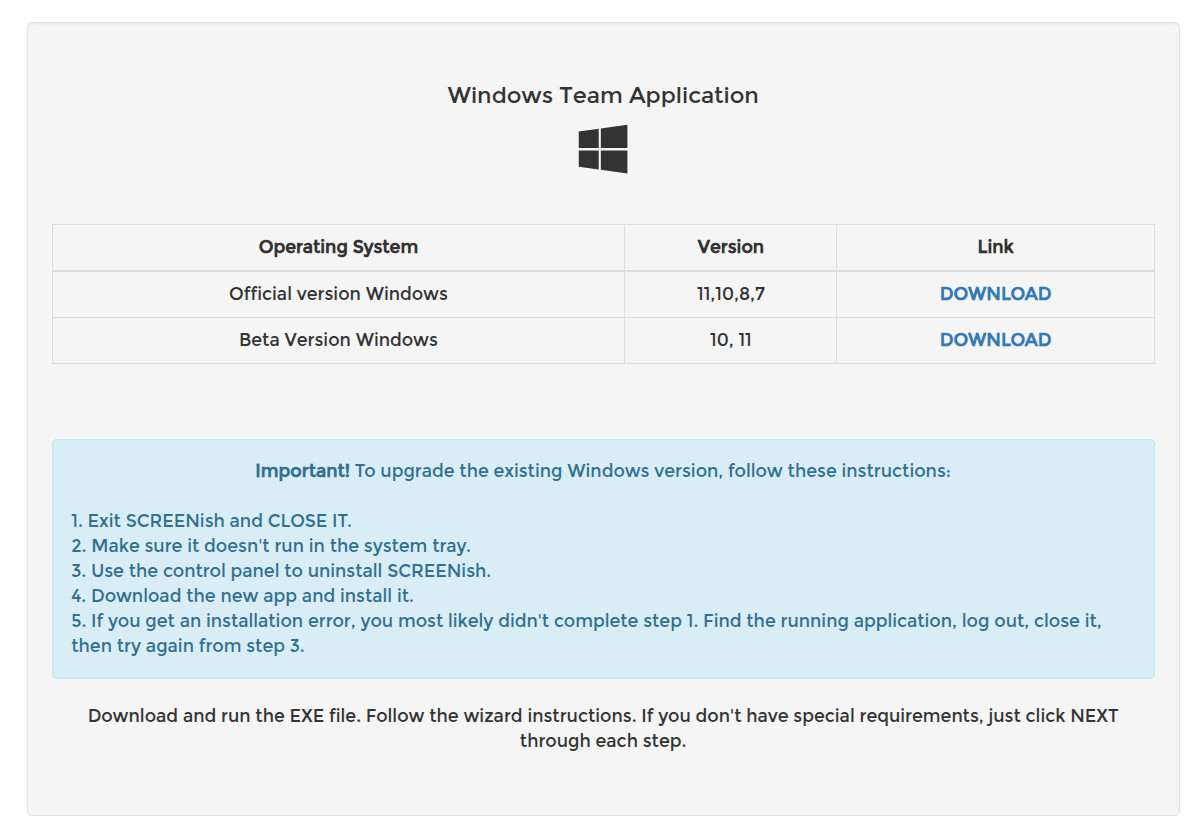
For a few weeks after we renew our yearly code-signing certificate, Windows SmartScreen may show Windows protected your PC when the installer starts. Click More info, then Run anyway.
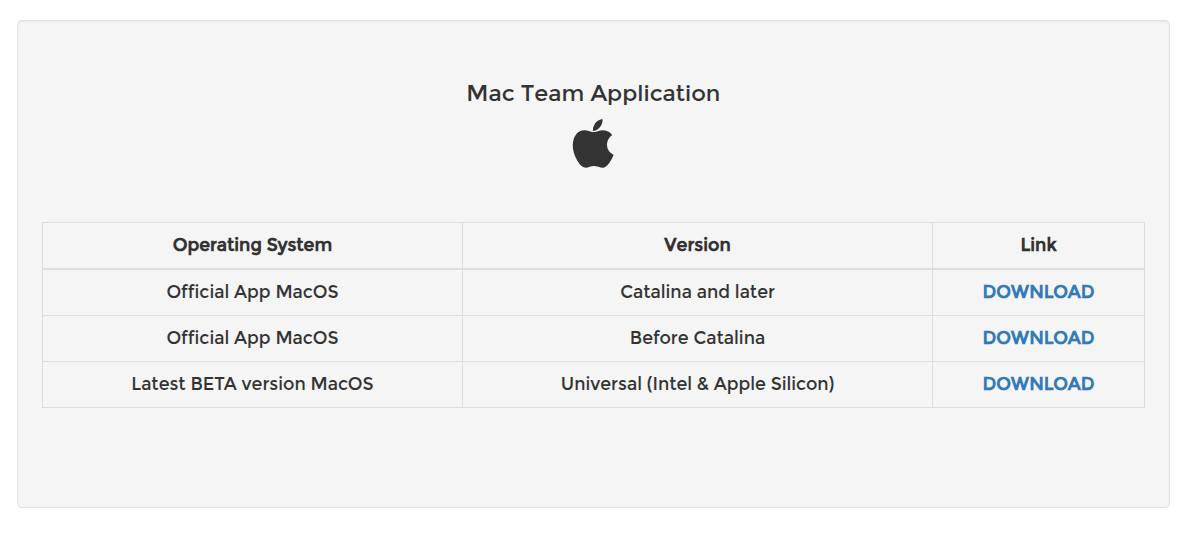
The current app was labelled Beta until September 2026; it is the official version for Windows 10 and 11, macOS and Linux. The legacy builds are older versions kept for computers the current app does not run on, such as Windows 7 and 8.
Mac — the official build is universal (Intel & Apple Silicon), with legacy builds for Catalina and later and for older macOS:
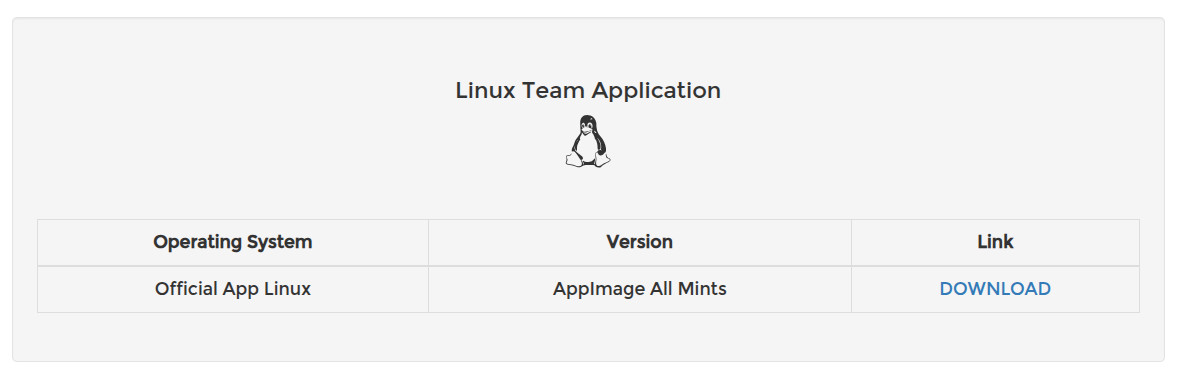
Linux — an AppImage that runs on all major distributions:
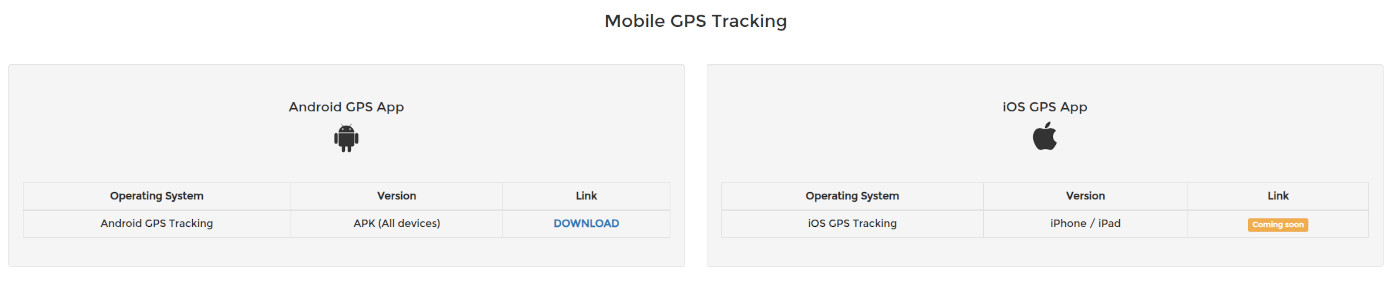
Mobile — the Android GPS tracking app installs from an APK on the same page; an iOS version is coming soon. See Android GPS Tracking.