Mac: Fixing Activity Tracking Issues
If mouse clicks and activity aren't being recorded on Mac:
- Delete SCREENish from all locations
- Download and reinstall the app
- Grant Input Monitoring permission when prompted (quit SCREENish first)
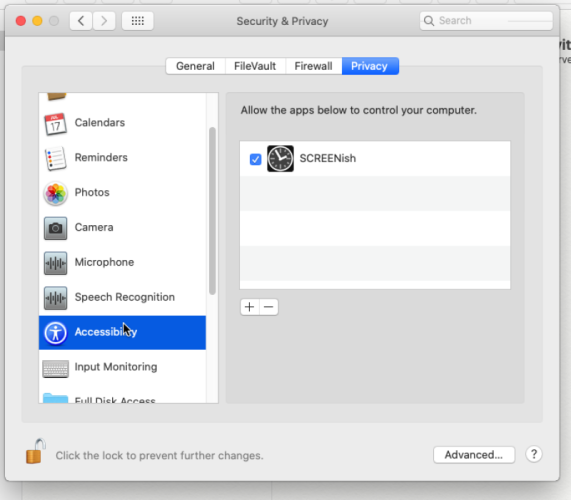
- Grant Accessibility permission when prompted
- Restart SCREENish