
Securing Your Account with Two-Factor Authentication
Two-Factor Authentication (2FA) adds a second step at login: a code from an app on your phone, so a password alone is not enough to get in.
Go to EDIT PROFILE > Two-Factor Authentication (2FA) and press Enable Two-Factor Authentication.
- Step 1: Scan the QR code with an authenticator app (Google Authenticator, Authy, and similar).
- Step 2: Enter the 6-digit code the app shows and press Verify & Enable 2FA.
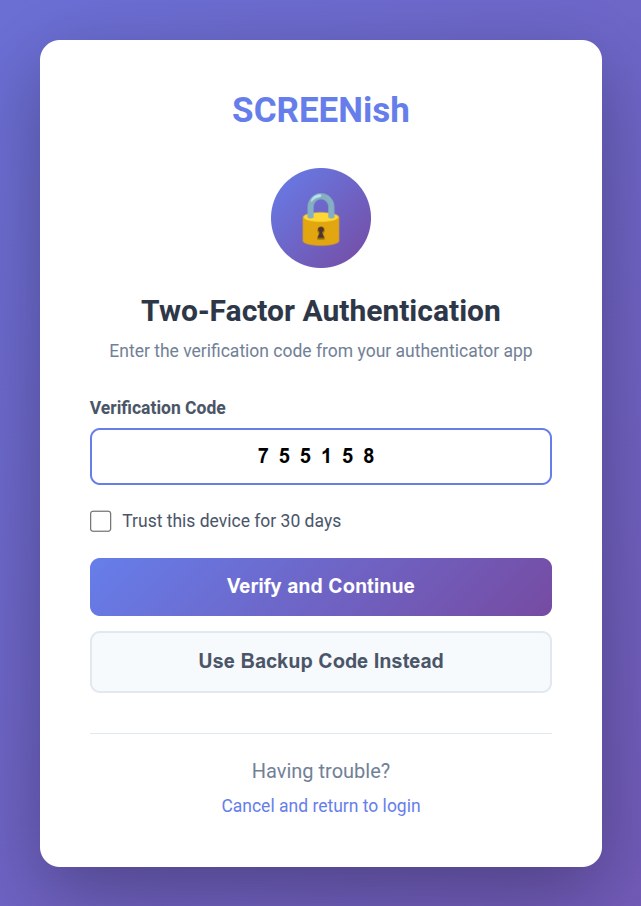
From then on you enter a fresh code from the app each time you log in. Tick Trust this device for 30 days to skip the code on a computer you use regularly, or press Use Backup Code Instead if your phone is not to hand — each backup code works once.
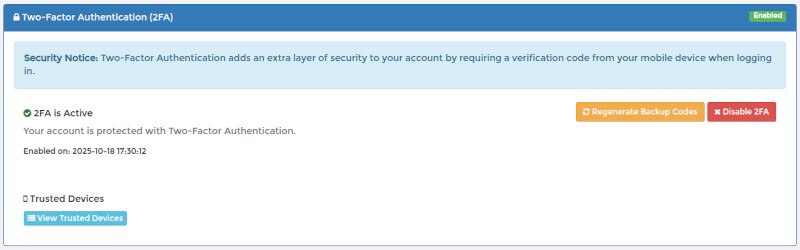
The panel shows an Enabled badge, and you can disable 2FA from the same place if you ever need to.