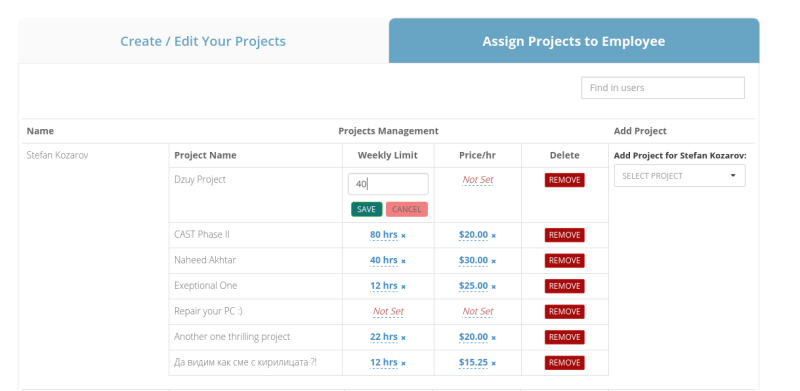
Setting Weekly Time Limits
Go to PROJECT > Assign Projects to Employee. In the Weekly Limit column, enter the maximum hours for each employee. Click Save to confirm. To remove a limit, click the X button. The employee's time tracking application picks up a new or changed limit when they log out and back in.