Starting Time Tracking (Employee View)
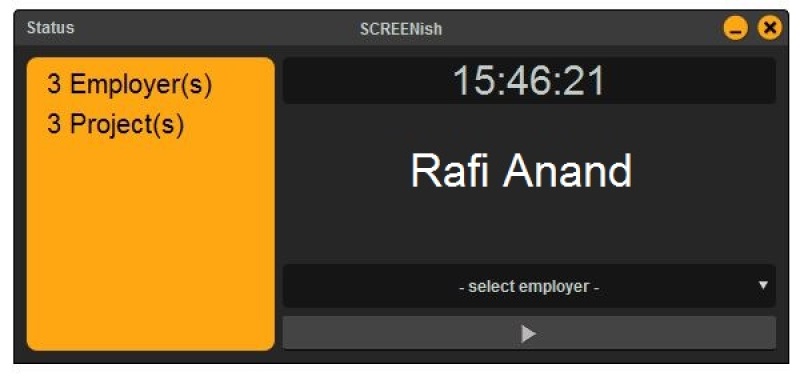
Open the SCREENish app and select an employer from the Project dropdown. If you have assigned projects, choose one from the Sub-project dropdown. Click Start tracking time to begin.

Open the SCREENish app and select an employer from the Project dropdown. If you have assigned projects, choose one from the Sub-project dropdown. Click Start tracking time to begin.