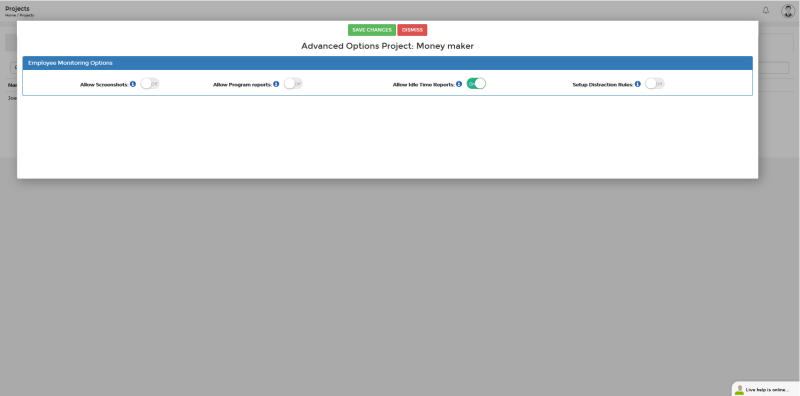
Using the Idle Time Feature
Go to Assign Project To Employee(s) > Advanced Options > Allow Idle Time Reports.
When enabled, employees get an alert after 2 minutes without keyboard or mouse activity. If they don't respond within 30 seconds, time is recorded as idle until they resume activity.
You'll receive weekly email reports showing idle time and active programs for all employees.