Changing Your Password
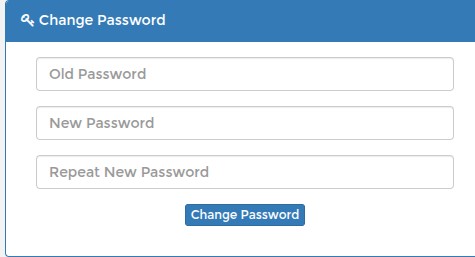
Click the profile icon in the top right corner and select Edit profile. Enter your old password and new password, then click Change Password.
Forgot your password? See Signing In and Resetting a Forgotten Password.

Click the profile icon in the top right corner and select Edit profile. Enter your old password and new password, then click Change Password.
Forgot your password? See Signing In and Resetting a Forgotten Password.